How to Find Low-Hanging Fruit Keywords in Google Search Console (Step by Step)
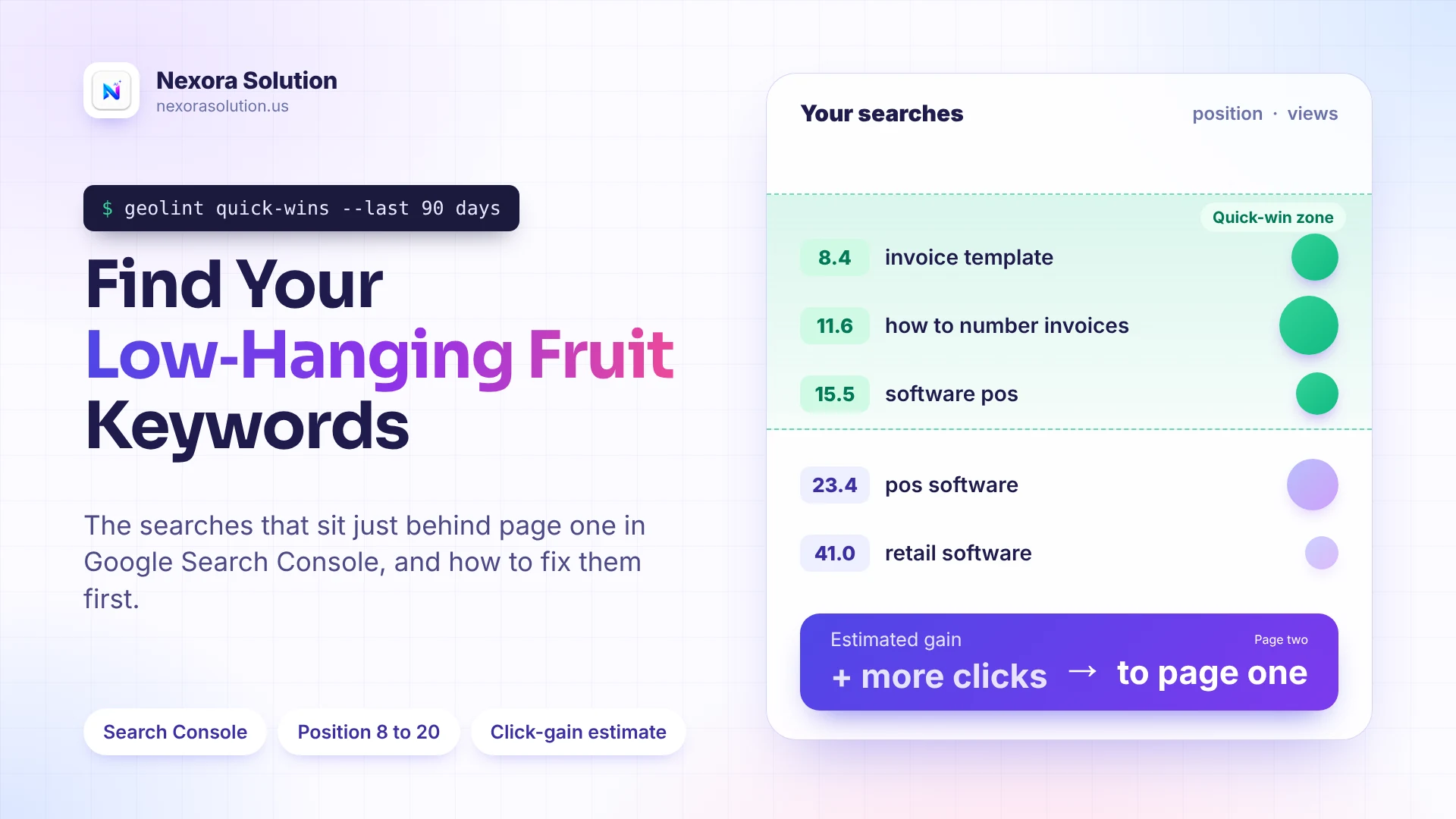
Find low-hanging fruit keywords in Search Console: the filters, the click-gain formula, what to change on each page, and a free way to do it in minutes.
What low-hanging fruit keywords are
Low-hanging fruit keywords are searches where your page already shows up in Google, but sits just behind page one or gets fewer clicks than its position should earn. You do not need a new article or a pile of backlinks to improve them. You need to change something on a page Google already knows.
That is why SEOs call them "easy" wins. It is also why the term gets abused. A keyword with 20 monthly searches that you rank 14th for is not a win, it is a rounding error. A keyword with 900 monthly views where you sit at position 11 is the real thing.
This guide shows how to find these searches yourself in Google Search Console, how to estimate what each one is worth, what to change on the page, and how to skip the spreadsheet with GeoLint's Quick wins report. The method works on any site, whatever it sells.
The two kinds worth your time (and one that is not)
Almost every genuine quick win falls into one of two buckets. Mixing them up leads to the wrong fix, so separate them before you touch a page.
| Kind | What you see in Search Console | What is usually wrong | Typical fix |
|---|---|---|---|
| Reach page one | Average position roughly 8 to 20, plenty of impressions, few clicks | The page is relevant but not strong enough for the top results | Deepen the answer, add the missing sections, link to it from related pages |
| Fix the snippet | Position already good (top 7), but the click rate is low for that position | The page ranks, but the title or description does not make people click | Rewrite the title and meta description around what the searcher typed |
| Not a quick win | Brand searches, searches under about 30 impressions, searches your page does not really answer | Nothing to fix, or the page is the wrong match | Leave it alone, or write a proper page if the topic matters |
The third row saves the most time. Brand queries look great in a table (high position, decent clicks), but they are not opportunities, they are people who already know you. Remove them from your list first.
A fourth case deserves a warning: when two of your own pages compete for the same search, neither gets to page one cleanly. That is a different problem with a different cure, so if your list shows the same query against two URLs, park it and handle it separately rather than editing both pages blindly.
How to find them by hand in Search Console
You need a verified Search Console property and at least a few weeks of data. A brand new site will show a short list, and that is normal.
- Open Performance, then Search results. Set the date range to the last 3 months. Shorter ranges are noisy for small sites.
- Turn on all four metrics. Click the Clicks, Impressions, CTR and Average position tiles so every column shows in the table.
- Switch the table to Queries and sort by Impressions, highest first. High impressions mean real demand.
- Narrow to the position band. Use the table filter on the Position column to keep rows between about 4 and 20, or just scan the sorted list. Positions 8 to 20 are the "reach page one" group, positions 4 to 7 with weak click rates are the "fix the snippet" group.
- Drop the noise. Remove brand terms, anything under roughly 30 impressions, and queries you are not trying to rank for.
- Match each query to its page. Click a query, then switch to the Pages tab. The page Google shows for it is the one you will edit. If two pages appear, see the warning above.
- Export the shortlist to Google Sheets so you can work down it and record what you changed and when.
One caution about Average position: it is an average across everyone who saw the result, and it moves with location and device. A query at "11.4" does not mean you are 11th for every searcher. Treat it as a band, not a rank.
Estimate what each one is worth before you edit anything
Not every quick win deserves an afternoon. A simple estimate tells you which to do first.
Extra clicks ≈ impressions × (click rate you could reach − click rate you have now). The click rate you could reach depends on the position you can realistically hit, and the exact curve varies by study and by type of search, so treat any single percentage as a rough guide rather than a promise.
Here is an illustrative list. The numbers are made up to show the logic; the click rates are round figures, not measured values.
| Query | Views in 90 days | Position now | Clicks now | Realistic goal | Rough gain |
|---|---|---|---|---|---|
| invoice template for contractors | 1,200 | 12.4 | 6 | Position 6 | High: most of the views are unclaimed |
| how to number invoices | 400 | 5.8 | 4 | Better title, same position | Medium: the click rate is the problem, not the rank |
| best invoicing app | 90 | 17.0 | 0 | Position 9 | Low: too few views to justify a rewrite |
| your brand name | 300 | 1.2 | 150 | Nothing | None: already won |
Sort by rough gain, take the top three, and ignore the rest this week. Three pages improved properly beat twenty pages touched lightly.
What the data looks like on a young site (our own)
We ran the same filter on our own domain, nexorasolution.us, using Search Console data for the three months to 15 November 2026. The site is young, so the result is a useful reality check rather than a success story.
Of the 1,000 queries Search Console listed, only four had an average position between 4 and 20 and at least 15 impressions. Two of those were brand searches ("nexora solutions", "nexora solution"), which are not opportunities, and a third was a brand-plus-feature search. That left one genuine candidate: "software pos" with 71 impressions at position 15.5 and no clicks.
Two close cousins, "pos software" (140 impressions at position 23.4) and "what is pos software" (80 impressions at position 25.1), sit one page further back and also have no clicks. Together they are exactly the "reach page one" pattern: real demand, a relevant page, and a position that is not good enough yet.
Two lessons. First, on a young site the list is short, and that is fine: it means your effort goes to a handful of pages instead of spreading thin. Second, notice how much of the raw list was brand traffic and tiny queries. If you skip the clean-up step, you will "find" a dozen opportunities that are not opportunities.
What to change on the page, by kind
For a "fix the snippet" query, the page already ranks, so do not touch the content. Change what people see before they click:
- Title. Put the words people searched near the start, add one concrete reason to click (a number, a year, "free", "with examples"), and keep it under about 60 characters so it is not cut off.
- Meta description. Answer the query in the first sentence, then say what the page adds. Google sometimes rewrites it, but a clear one gives it a better starting point.
- Match the wording. If people search "how to number invoices" and your title says "invoice sequencing best practices", change the title, not the searcher.
- Check the result itself. Search the query in a private window and look at what sits above and beside you: featured answer, video, forum thread. Sometimes the click rate is low because the page above you answers everything on the results page.
For a "reach page one" query, the page needs to be better for that search, not just retitled:
- Re-read the intent. Open the pages ranking in the top five and note what they all contain. If every one of them has a comparison table and yours has none, that is your gap.
- Add the missing section, not more words. One focused section that answers the query directly, placed high on the page, beats 500 words of padding.
- Put the answer first. Open the page with a direct two-sentence answer to the query, then expand.
- Add internal links with real anchor text from related pages on your own site. Pages that nothing links to rarely climb.
- Update the facts and the date if the page is old, but only change the date when the content truly changed.
Change one page at a time and write down the date and what you changed. Without that note, you will not know what worked.
The faster way: GeoLint Quick wins
Doing the steps above by hand takes an hour or two per site. GeoLint's Quick wins report does the same work in a few seconds and puts the result in a list you can act on.
Run a free audit at GeoLint, then press Connect Search Console at the top of the report. GeoLint reads the last 90 days, matches every search with the page Google showed, and lists the searches that are close to more clicks. Each row has two parts you would otherwise build yourself:
- A label that says which kind it is: "Reach page one" or "Fix the snippet", the same two buckets described above.
- The page and a plain-language action, plus position, views, clicks and click rate, and an estimate of the extra clicks you could earn.
The report shows a total at the top ("about this many more clicks in 90 days if you fix the searches below"). It is an estimate from typical click rates by position, not a promise, and GeoLint says so on the page. It also only looks at searches with 30 or more views, which removes the long tail of noise by design.
On privacy: the Google access is read-only, and the result is saved in your own browser, not on Nexora's servers. You can disconnect from the Search Console panel inside the report. If your site is not listed after you sign in, it usually means the Google account you chose does not own the Search Console property, so try again with the owner account.
GeoLint is free to use. If you only want to see the numbers once, the manual method above is perfectly good. If you will repeat this every week, the report saves you the sorting, the filtering and the matching of query to page.
A weekly routine that does not take over your life
Quick wins are a habit, not a project. A short routine beats an occasional big push.
- Once a week, open your list (or refresh the GeoLint report) and pick the top three by estimated gain.
- Fix them properly using the checklist for their kind. Do not start a fourth until the third is live.
- Request indexing for each edited URL in Search Console's URL Inspection tool so Google looks again sooner.
- Log it: URL, query, position and impressions before, what you changed, and the date.
- Check back after two to four weeks by comparing the same date range before and after. Do not judge after three days; results move slowly and daily numbers jump around.
If a page does not move after a month, do not keep rewriting it. Either the query needs a stronger page than you can build from this one, or the results page is dominated by something you cannot beat with an article. Move on to the next row.
Mistakes that waste the effort
- Chasing tiny queries. Under about 30 views in three months, the potential gain is too small to be worth a rewrite.
- Counting brand searches. They flatter your numbers and teach you nothing.
- Rewriting a page that ranks in the top three. If it already gets the clicks its position deserves, leave it.
- Stuffing the keyword. Repeating the phrase does not lift a page. Answering the question more completely does.
- Changing everything at once. If you edit the title, the content, the URL and the links in one go, you cannot tell which change helped, and a URL change can cost you the ranking you already have.
- Ignoring what Google actually shows. Look at the live results for the query before you decide what to fix.
Frequently Asked Questions
What are low-hanging fruit keywords for SEO?
They are searches where a page of yours already appears in Google but sits just behind page one, or ranks well and still gets few clicks. They are called low-hanging because improving an existing page is easier than ranking a new one from nothing.
How do I find low-hanging fruit keywords for free?
Use Google Search Console. Open Performance, show clicks, impressions, click rate and average position, switch to Queries, sort by impressions and look at the rows between roughly position 4 and 20. GeoLint's free Quick wins report does the same with your Search Console data and labels each result.
What position counts as a quick win?
Roughly 8 to 20 is the "reach page one" band, and positions up to about 7 with a weak click rate are the "fix the snippet" band. The edges are not exact, because Average position is an average and varies by searcher and device.
How many impressions should a keyword have to be worth fixing?
There is no single rule, but searches with fewer than about 30 views in three months rarely repay the effort. GeoLint ignores searches below 30 views for this reason.
How long until I see results after changing a page?
Usually a few weeks. Request indexing after the edit, then compare the same date range before and after two to four weeks later. A change that looks like nothing after three days is not a failure.
Do I need a paid tool like Semrush or Ahrefs?
Not for this job. Search Console already shows the searches your own pages appear for, which is the most direct data you can get. Paid tools help when you want to find new keywords you do not rank for yet.
Can I use this on a brand new site?
Yes, but expect a short list at first. A young site may have only a handful of real candidates, and that is fine. Give Search Console a few weeks of data before drawing conclusions.
Is it safe to connect Search Console to GeoLint?
The access is read-only and the result is stored in your browser only, not on Nexora's servers. You can disconnect from the Search Console panel inside the report.
Related Articles
- Should You Block AI Crawlers? A Decision Guide for Different Kinds of Sites — 1 min read
- Answer-First Writing: How to Structure a Page So AI Can Quote It — 1 min read
- Schema Markup for AI Search: Which JSON-LD Types Are Worth Adding — 1 min read
- Is Your React, Vue or Angular Site Invisible to AI Crawlers? — 1 min read