Schema Markup for AI Search: Which JSON-LD Types Are Worth Adding
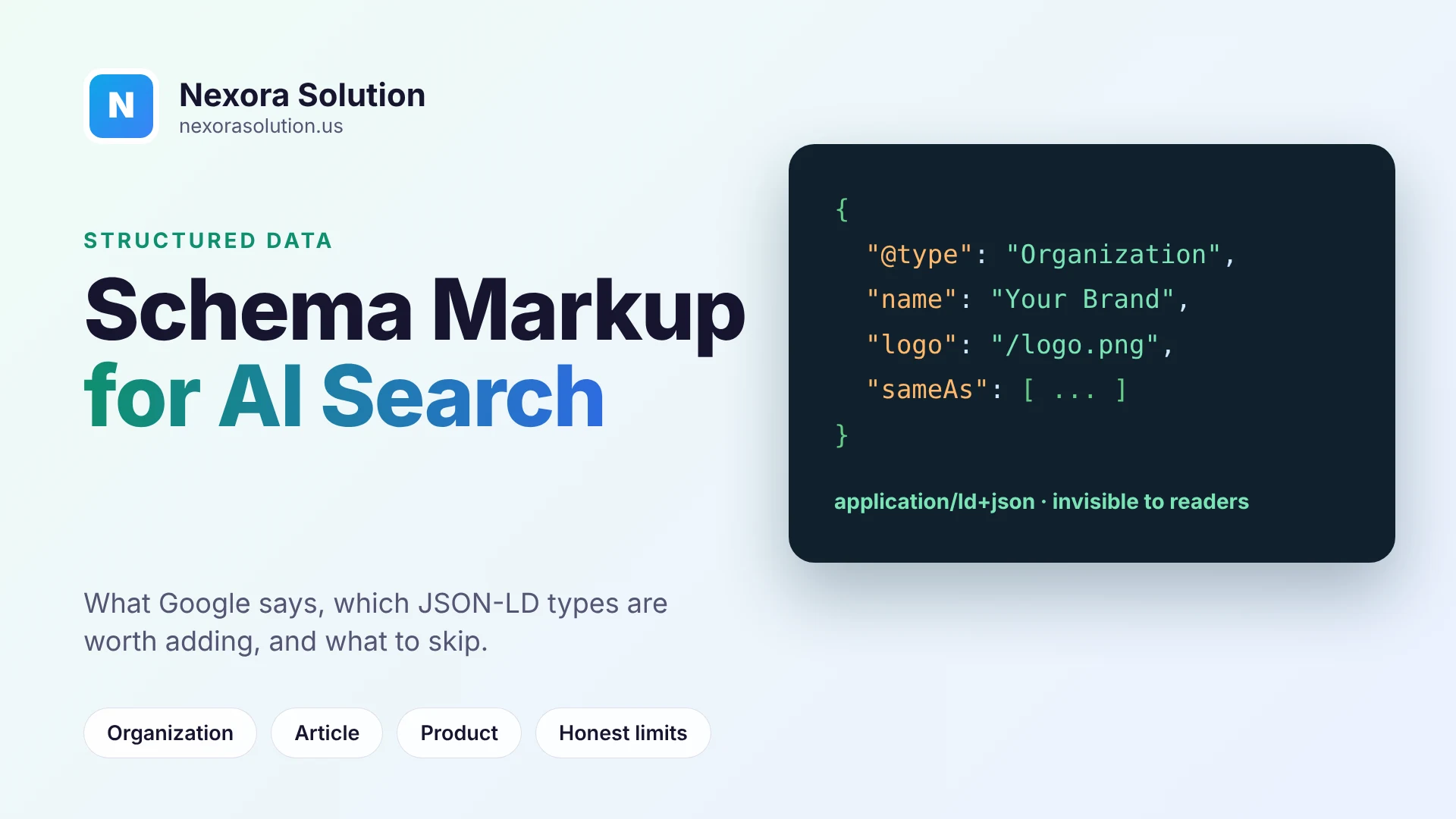
An honest guide to structured data for AI search: what Google says, which JSON-LD types are low-effort and sensible, what changed with FAQ markup, and how to check yours.
Be suspicious of the loudest claim in this topic
Search for schema markup and AI and you will find confident promises: add this code and ChatGPT will cite you. Some articles quote percentages. Very few show how they measured them.
So here is the position we will argue for in this article, and then defend. Structured data is cheap, sensible and worth doing for most sites. It is not a switch that makes AI tools quote you, and nobody outside the AI companies can prove how much weight any one tool gives it. The honest case for it is that it makes your pages easier for software to understand, which helps in several places at once, and costs little.
That is a smaller claim than the hype, and it is a better basis for deciding what to spend an afternoon on.
What schema markup is, in one paragraph
Schema markup is a block of data added to a page that says, in a standard vocabulary from schema.org, what the page is about. Your visible text says "Nexora Solution, Multan". The markup says, in a machine-readable form, that this is an Organization with a name, a logo, a web address and some profile links. The most common format is JSON-LD, which sits in a script tag in the head of the page and does not change how the page looks.
Search engines have used it for years to understand entities and to show rich results such as star ratings. The newer question is whether AI search tools use it too.
What we can say with confidence
Be careful about the difference between what is documented and what is rumoured.
Google's position is documented. Google's guidance on AI features in Search, which covers AI Overviews and AI Mode, says that a page must be indexed and eligible to appear with a snippet, and that there are no additional technical requirements. It states there is no special schema.org structured data you need to add, and that no special optimizations are necessary beyond the usual search fundamentals. It does recommend that any structured data you use matches the visible text on the page.
FAQ rich results are gone. Google's FAQ documentation records that the FAQ rich result stopped appearing in Search from 7 May 2026, and that the documentation page was removed in June 2026. If an older article tells you to add FAQPage markup to win expandable answers in Google, it is out of date. This is a good example of why to be careful with schema advice that does not carry a date.
For other AI tools, there is no equivalent document. OpenAI, Anthropic and Perplexity describe their crawlers and how to allow or block them. We are not aware of any of them publishing a statement that says which schema types they read or how they use them. Anything more specific is an inference or a test on someone's own site.
What is plausible, and labelled as such
It is reasonable to think that structured data helps in ways that do not depend on any one company's disclosure.
If an AI tool fetches your page and has to decide who published it, what the headline is, when it was updated and whether it is about a product or an article, a clean block of JSON-LD answers those questions without guessing. That should make the page easier to interpret. It is an argument from how the software works, not a measured result.
Structured data also feeds the systems that sit underneath AI answers, such as search indexes and knowledge graphs, and it makes your entity consistent across the web when it matches what you say elsewhere. Again, the effect on any single answer is unproven.
So the decision is a matter of cost and benefit, not belief. The cost is an hour or two. The benefit is real in classic search, possible in AI search, and zero harm if you do it accurately.
The types worth adding, in order
Do these first. Skip the exotic ones.
1. Organization (once, on the homepage)
This tells software who you are. Include your name, URL, logo, a short description, and the profile links that are really yours, such as LinkedIn, GitHub or a Crunchbase page. Keep it consistent with how you present the business elsewhere. If you are a local business, LocalBusiness is a more specific type and can carry your address and opening hours.
2. WebSite
A small block that names the site and its address. Many SEO plugins add it together with Organization.
3. Article or BlogPosting (on every post)
For content pages, this is the most useful one. It carries the headline, the author, the publish date, the modified date and the main image. A visible last-updated date and an accurate dateModified are a simple freshness signal for both people and software.
4. Product, with offers (on product pages)
If you sell things, Product with price, currency and availability is the standard. It must match what is displayed. A mismatch between the markup and the page is worse than no markup.
5. BreadcrumbList
Describes where a page sits in the site. Easy and low-risk.
6. Person, for named authors
If your content has real authors with real profiles, a Person block gives them an identity. Do not invent a person.
What to be careful with
FAQPage. Only mark up questions and answers that are visible on the page. It no longer produces a rich result in Google, so the benefit now is limited to being a clean statement of Q and A for other software. Add it where the page really is a set of questions, not as a trick.
Review and AggregateRating. Marking up ratings that are not displayed, or reviews you wrote yourself, breaks the guidelines of search engines and can lead to penalties.
Stacking everything. Ten types on a page that has no use for them does nothing and makes errors more likely.
Rules that keep markup honest
These matter more than which types you choose.
- Describe what is on the page. Markup is a label for visible content, not a place for extra claims.
- Keep it in sync. If the price changes, the markup must change with it. Templates that pull both from the same data avoid this.
- Use real values. A fake aggregate rating or an invented author is the quickest way to turn an easy win into a manual action.
- Do not duplicate. If your SEO plugin already outputs Organization, a second copy from another plugin creates conflicts.
- Validate after every template change. A missing comma can invalidate the entire block.
How to check what you have
There are a few ways, all free.
View the page source and search for "application/ld+json". If you find nothing, there is no JSON-LD on the page. If you find several blocks, look for duplicates.
Google's Rich Results Test and the Schema Markup Validator at schema.org read a URL and report errors. They are useful, with one caveat: the validators tell you whether the syntax is valid and which Google features it qualifies for, not whether an AI tool uses it.
Our free GeoLint audit at https://nexorasolution.us/tools/geo-audit looks for JSON-LD as part of the facts and structure check. The score gives full points for an entity type such as Organization together with a content type such as Article or Product, and it reports whether FAQ schema is present. Facts and schema account for 20 of the 100 points, so it is the smallest of the four checks, which is a fair reflection of how much weight we think it deserves compared with access and readable text. It audits one page, so check the page types that matter, not only the homepage.
If your site runs on WordPress, the free GeoLint AI Visibility plugin can add Organization and WebSite JSON-LD to the home page. If an SEO plugin already prints it, leave that option off.
Three mistakes we see again and again
Copying a generator's output without reading it. Free schema generators produce valid code that describes a business that is not yours: a placeholder phone number, a sample address, a logo that points nowhere. Valid syntax is not the same as accurate content. Read every field before you publish it.
Marking up the page you wish you had. A product page that shows "Contact us for pricing" should not carry an Offer with a price in the markup. A post with no named author should not claim one. The page and the markup have to agree, and when they do not, the page is the one that is right.
Setting it up once and forgetting it. Prices change, logos change, a profile link dies. Markup that was accurate in January can be wrong by June. If the values come from the same data as the visible page, as they do in a good template, the problem mostly disappears. If they were typed by hand, put a reminder in the calendar.
A realistic rollout for a small site
You do not need a project plan. An afternoon is enough.
- Check what already exists. Many themes and SEO plugins output Organization, WebSite and Article markup by default. View the source of your homepage and of one post before adding anything.
- Fill the gaps. If Organization is missing, add it to the homepage with your real name, logo and profiles.
- Make sure posts and guides carry Article or BlogPosting with an author and honest dates.
- If you sell products, add Product and Offer through your platform's own feature where one exists, since it will keep the price in sync.
- Validate two or three representative pages, not every page.
- Run an audit on the pages that matter and note the score, so you have a before-and-after.
Then leave it alone and put your energy into the content, which is where most of the difference is made.
Where schema sits in the order of work
If you have limited time, this is the order we would follow, and it is the same one the audit is built around.
First, make sure the search bots are allowed in. If robots.txt or the firewall blocks them, nothing else matters. The overview at https://nexorasolution.us/geo/what-is-geo explains the whole picture.
Second, make sure the text is in the HTML, as covered in our article on JavaScript and AI crawlers at https://nexorasolution.us/blog/react-vue-angular-site-invisible-to-ai-crawlers-javascript.
Third, write the content so that each section opens with the answer.
Only then does structured data come in, as the finishing layer. Schema can describe a page. It cannot make an unreadable page readable.
A short example, described
To make it concrete, picture a blog post about invoice numbering. Its Article markup would give the exact headline, the author's name, the date it was first published, the date it was last changed, and the address of the main image. Its Organization markup, on the homepage, would give the company name, logo and the profiles you control. A reader sees none of this. A piece of software reads all of it in a few milliseconds and can say with certainty who wrote the page and when.
That is the whole value. It is modest, and that is fine.
Frequently Asked Questions
Does schema markup help ChatGPT cite my website?
There is no published evidence from OpenAI that it does, and claims of specific percentage gains are rarely backed by open methods. Schema makes a page easier for software to interpret, which is a reasonable benefit, but it is not a proven lever for citations.
Does Google require special schema for AI Overviews?
No. Google's documentation says there is no special schema.org structured data to add and no special optimization beyond being indexed and eligible to show with a snippet.
Is FAQ schema still worth adding?
Google stopped showing FAQ rich results from 7 May 2026. You can still mark up questions that are visible on the page, but expect no rich result in Google.
Which schema types should I start with?
Organization and WebSite on the homepage, Article or BlogPosting on content pages, Product with offers on product pages, and BreadcrumbList. Add more only if the page needs them.
How do I check my schema?
View the source and look for application/ld+json, then use the Rich Results Test or the Schema Markup Validator. GeoLint also reports the entity and content types it finds.
Can wrong schema hurt me?
Yes. Markup that does not match the visible page, or invented reviews and ratings, can lead to manual actions from search engines.
Related Articles
- Is Your React, Vue or Angular Site Invisible to AI Crawlers? — 1 min read
- How to See Traffic from ChatGPT, Claude and Perplexity in Google Analytics 4 — 1 min read
- Retail POS: Till Sessions, Barcode Billing, Daily Closing — 1 min read
- Invoice Payment Terms: Net 15, Net 30, Due on Receipt and Late Fees — 1 min read