
Plugin comparison
WordPress AI Visibility Plugins Compared: What Each One Really Changes
We compared six WordPress plugins that touch AI search, including our own GeoLint AI Visibility. Most do one or two jobs well. Few cover the three that matter first: robots.txt rules for AI bots, llms.txt and Organization schema. Here is who does what, and who should pick what.
The Short Version
If you already run Yoast or All in One SEO, you may have half of this done and not know it. Both can publish an llms.txt file for free, and both already output schema. What they don't clearly do is give you per-bot control in robots.txt, which is the part that decides whether ChatGPT and Claude can read you at all.
If robots.txt is your main worry, Better Robots.txt is the most mature of the AI-focused plugins here, with the biggest install base among them. The catch is that per-bot rules and llms.txt sit behind its paid tiers. If you want numbers on who is crawling you, llemmy and Teun.ai GEO lean that way. And if you want all three basics from a free plugin with no account, that is the gap we built GeoLint AI Visibility for. We'll be straight about where it falls short further down.
We make GeoLint, so weigh our opinion accordingly. Every fact about the other plugins comes from their own WordPress.org pages and public announcements, read on 22 October 2026. Plugins change fast, so check the current listing before you decide.
Side by Side
| Plugin | AI bot rules in robots.txt | llms.txt | Organization schema | Account needed | Free or paid |
|---|---|---|---|---|---|
| Yoast SEO | Not stated in what we read | Yes, one click, free | Yes | No | Free, with a premium version |
| All in One SEO | Not stated, general robots.txt editor | Listed as free; llms-full.txt reported as Pro | Yes | No | Free, with Pro |
| Better Robots.txt | Yes: training and search bots in separate groups; per-bot rules are Pro | Pro | Not mentioned | Not stated; licensing runs through Freemius | Free, Pro and Premium |
| llemmy | Yes: Allow rules for major AI crawlers | Yes | Yes, switched off if another SEO plugin does it | Only for its online dashboard | Free core, paid drafting tools |
| Teun.ai GEO | Tracks AI bots; no allow or block control stated | Not stated | Checks for it; creation not stated | No for the free version | Free, with Premium |
| GeoLint AI Visibility | Yes: 12 crawlers, Allow, Block or Leave as is | Yes, automatic or your own text | Yes, skipped if an SEO plugin does it | No | Free |
"Not stated" means we could not find it on the plugin's own page, not that the feature is missing. If one of those cells matters to you, test the plugin on a staging site first.
How We Judged Them
We kept the test narrow on purpose. For a site that wants to be found by AI search tools, three technical things come before anything about writing style, and they are all small files or tags. Can AI search bots read your pages, does a summary file exist for them, and does your site say clearly who runs it?
That is why this table has no row for AI content writing, rank tracking or prompt ideas. Several of these plugins offer those, and some may be useful. They just aren't the first thing standing between your site and an AI answer. The general background is in What is GEO if you want the bigger picture.
We also looked at two things people rarely check: whether you need an account, and what the plugin sends off your site. A plugin you can install and forget is a different product from one that needs a login and a dashboard.
Yoast and All in One SEO: Probably Already Installed
Most WordPress sites already run one of these two, which is the best reason to start here. Yoast announced a free llms.txt generator in June 2025, and you switch it on with one click in the settings. It builds a Markdown summary of your key content and keeps it updated as you publish.
All in One SEO lists an llms.txt generator among its free features too, though the details are muddier. Its plugin page says one thing about what is free, and a WordPress guide we read says the larger llms-full.txt and automatic Markdown versions of posts need the Pro plan. Look at the plan you're on before you count on either.
Where both stay quiet is AI crawler rules. They have a robots.txt editor, so you can write the rules yourself, but nothing on the pages we read describes a switch for GPTBot or ClaudeBot. That is a fine trade if you're comfortable editing robots.txt and know the bot names. It isn't if you're not. The robots.txt guide covers what to write.
Their real strength is schema, and it is a big one. If either plugin already outputs your Organization data, you should not add a second source of it. That single point decides how you use the other plugins in this list.
Better Robots.txt: Strong on Control, Paid for the Detail
Better Robots.txt, from Pagup, is the one built around exactly this problem, and it shows. It sorts AI bots into training crawlers such as GPTBot and ClaudeBot, search crawlers such as OAI-SearchBot and PerplexityBot, and user-action fetchers such as ChatGPT-User. That split is the right way to think about it, and it lets you block training while still allowing search.
It has more than 5,000 installs and a rating of about 4.5 stars, so it is by far the best tested of the AI-focused plugins here, and it was updated days before we looked. The free version gives you a guided setup and one global allow-or-block choice for AI search crawlers. Per-bot rules, custom user agents and llms.txt are listed under the paid Pro tier.
It bundles the Freemius SDK for licensing and loads some outside resources on its page, which some site owners will care about. It doesn't mention schema at all, so you'd pair it with an SEO plugin. If robots.txt control is your whole job and a paid plan is fine, it is the safe choice.
llemmy and Teun.ai GEO: More About Measuring
llemmy and Teun.ai GEO both put analytics at the front. llemmy gives you a 0 to 100 readiness score, one-click fixes for the gaps, Allow rules for major AI crawlers, an llms.txt file, Organization and Article schema, and optional tracking of AI bot visits. A fresh install makes no outside requests until you connect an account or switch a tracker on. The deeper dashboard needs a llemmy account, and drafting tools are paid.
llemmy is also very new, with fewer than ten installs and two reviews when we looked, so treat it as promising rather than proven. That is not a criticism of the code. It is just a small sample.
Teun.ai GEO scores each page for AI readiness inside the editor and tracks both AI bot crawls and visitors arriving from ChatGPT, Perplexity, Claude and others. Its page doesn't say it writes robots.txt rules, llms.txt or schema, so think of it as a gauge, not a fixer. The free plugin runs locally. Premium scans whether your pages show up in ChatGPT and Perplexity answers and may send page details to its servers. It had 100 or more installs, no reviews yet, and its last update was about eight months back.
GeoLint AI Visibility: The Free Three-in-One, With Limits
GeoLint AI Visibility is our plugin, and it does the three basics and not much else. It writes robots.txt rules for twelve AI crawlers, with Allow, Block or Leave as is for each one. It serves an llms.txt built from your site name, main pages and latest posts, or your own text if you prefer. And it adds Organization and WebSite schema, unless an SEO plugin is already doing that.
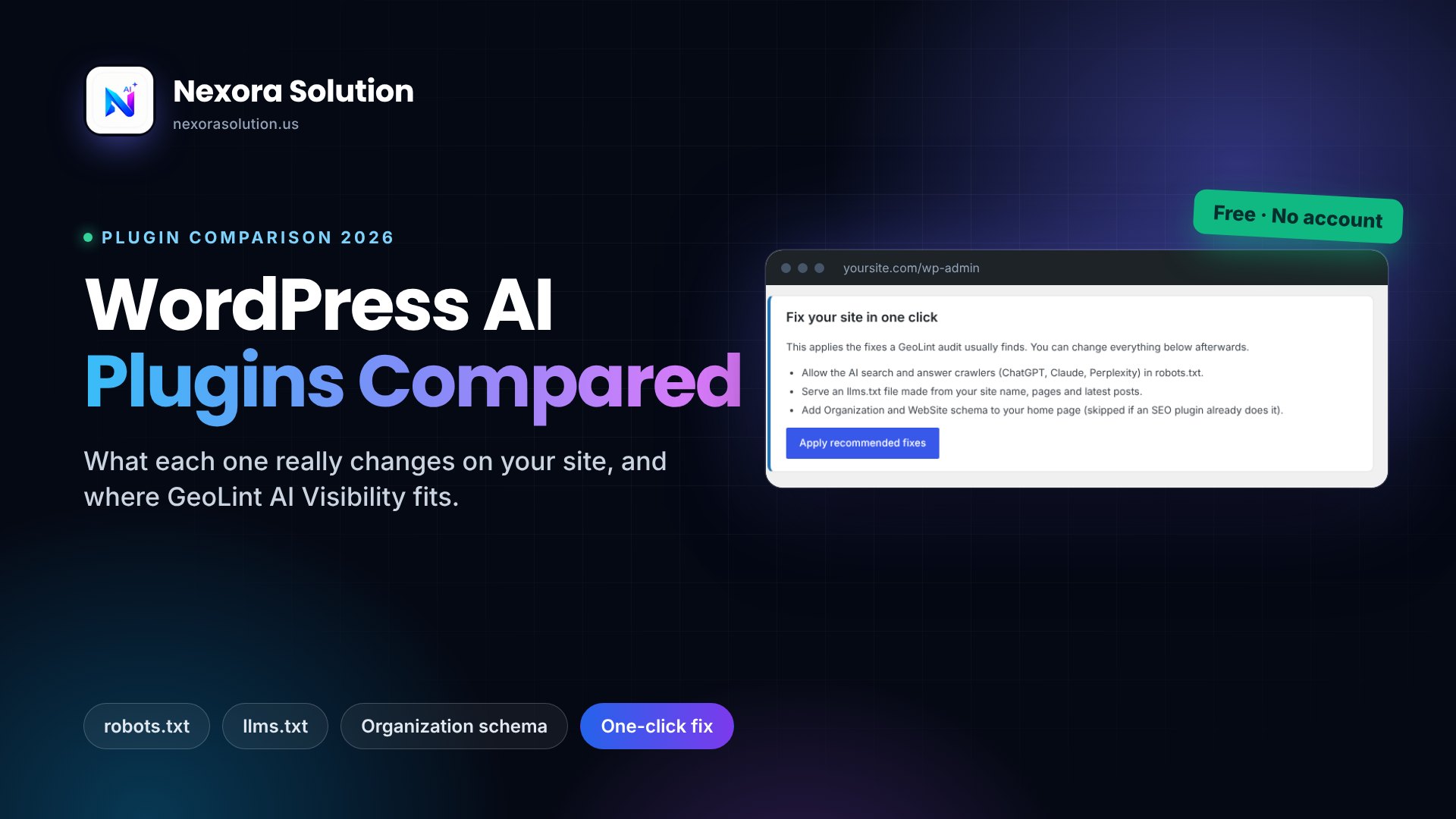
The part we cared about most is the first minute. After you activate it, the settings page opens and one button, Apply recommended fixes, turns on the sensible defaults. That allows the six search and user bots, leaves training bots exactly as you had them, and keeps any choice you made earlier. No account, nothing sent from your site to us, and uninstalling deletes its settings. The WordPress install guide walks through it with screenshots.
Where it falls short
It isn't in the WordPress.org directory yet. You install it by uploading a zip, which is one extra step compared with searching for it. It doesn't track which bots visit you, so it can't show you numbers the way llemmy or Teun.ai GEO can. It has no content tools. And it can't fix what lives outside WordPress: a firewall, a host or a CDN that blocks bots will still block them. For that you need the audit, which shows the real response each bot gets.
The Problem Nobody Mentions: Overlap
The risk with this whole category is not picking the wrong plugin, it's running two that do the same job. Install Yoast with llms.txt on, then a second plugin that also serves llms.txt, and one of them wins quietly while you wonder why your edits don't show up. Do the same with schema and you can end up with two Organization blocks that disagree about your logo.
- One owner for each job. Pick which plugin handles robots.txt rules, which serves llms.txt and which outputs schema, and switch the others off.
- A real llms.txt file in your site's root folder usually beats any plugin, because the server returns the file before WordPress loads.
- View the page source and search for "Organization" to count how many schema blocks you really have.
- After every change, load yourdomain.com/robots.txt and yourdomain.com/llms.txt in a browser and read what comes back.
A sensible combination for many sites is simple: keep your SEO plugin for schema and sitemaps, and add one small tool for the AI bot rules. If your SEO plugin already makes llms.txt, leave that switch on and don't duplicate it.
So Which One Should You Pick?
It depends on what you're missing, so find your situation below. None of these promises that an AI tool will mention you. They only clear the technical obstacles.
- You run Yoast or All in One SEO and want the least change: turn on their llms.txt feature, then check your robots.txt by hand.
- You need fine control over which bots get in and don't mind paying: Better Robots.txt.
- You want to see AI traffic and bot visits in numbers: llemmy or Teun.ai GEO, knowing both are young.
- You want robots.txt, llms.txt and schema in one free plugin with no account: GeoLint AI Visibility, accepting the zip upload.
- You don't know what's wrong yet: skip the plugins and run the free audit first.
That last one is honestly the best first move. A plugin fixes a problem you've named. The GeoLint audit names it, and takes about 20 seconds.
Check That It Worked
Whatever you install, test the result with a real request, because a tidy settings page doesn't prove a bot gets through. Run the audit before the change and again after, and compare. The how it works page explains the four scores.
Expect the score to move, not to hit the top. Plugins touch bot access and some markup. Whether your text sits in the HTML and whether each section answers the question quickly are down to your theme and your writing, and no plugin on this list changes that. The GEO basics guide is the place to start on the writing side.
WordPress AI Plugins: Common Questions
What is the best WordPress plugin for AI search visibility?
There is no single best one. Yoast and All in One SEO suit sites that want an llms.txt file and schema from a plugin they already run. Better Robots.txt suits fine control over AI bots. GeoLint AI Visibility suits a free, no-account setup of robots.txt rules, llms.txt and schema in one place.
Do I need a plugin to allow AI crawlers on WordPress?
No. You can edit robots.txt through your SEO plugin or a physical file, and upload an llms.txt by hand. A plugin just saves the editing and the guesswork about bot names.
Can I use more than one of these plugins together?
Yes, if each one has a separate job. Problems start when two plugins both serve llms.txt or both output Organization schema. Give each job to one plugin and turn the duplicates off.
Is the GeoLint AI Visibility plugin in the WordPress plugin directory?
Not yet. You install it by uploading the zip file from the GeoLint WordPress guide. It is free, needs no account and sends nothing from your site to us.
Will any of these plugins get me cited by ChatGPT or Claude?
No plugin can promise that. They remove technical reasons you could be left out, such as blocked bots or missing structure. Whether an AI tool uses your page is its own decision.
Find out what is actually wrong first
The free GeoLint audit shows what blocks AI search bots on your site and which fixes are worth making. Then install a plugin, ours or someone else's, and run it again to see the difference.