Restaurant POS Pricing, Food Cost and Offline Billing
Restaurant POS prices are hard to compare. Here are the five pricing models, the features that look alike but are not, and what Nexora Restaurant POS covers.
The price on the website is rarely the price you pay
Ask three restaurant owners what their POS costs and you will get three answers that cannot be compared. One pays a flat monthly fee. One paid once for a licence and a box. One pays per terminal, and adds a kitchen screen as a second terminal. Then there is the owner who says it was free, and has been paying for a card reader and a printer ever since.
This article is about reading restaurant POS pricing and features honestly, especially if you run a restaurant, cafe or cloud kitchen in Pakistan or a similar market. We build Nexora Restaurant POS, so we are not neutral, and we will say where our product stops. Claims about the wider market come from a buyer's directory we read in October 2026 and from our own product pages, and we mark which is which.
We are deliberately not repeating our earlier guide on how a kitchen order ticket and table status work, which you can find on our blog. This one is about what you are buying and what it really costs to run.
The five pricing models you will run into
The directory we read lists restaurant POS tools with a mix of pricing patterns. Many say pricing is on request. Monthly flat fees such as $39 or $99 a month are common. Some charge per unit, for example $9.99 per device per month in one listing and $99 per site per month in another. A few sell a one-time licence, with SambaPOS shown at $339. Free plans and free trials appear often, and the trials run 14 to 30 days. These figures are listing examples, not quotes, and they change.
Turn that into five models you can ask about:
- Flat monthly fee. Easy to budget. Ask what is excluded: extra users, extra branches, reports.
- Per device or per terminal. Cheap for one counter, expensive when you add a kitchen display, a tablet for waiters and a second till. Count your real screens first.
- Per site. Works if the whole restaurant is one site, less so for a cloud kitchen with two locations.
- One-time licence. Looks cheapest. Ask about updates, support and whether the software works if the vendor disappears.
- Free. Fine for learning. Ask how the vendor earns money, because someone does.
The question that cuts through all five is this: write down every screen, every staff member and every branch you will have in a year, then ask for the total. A price that is honest for one counter can double by the time the kitchen is connected.
Features that look the same and are not
The same directory shows that listed tools commonly advertise table management, a kitchen display, offline mode and employee permissions. That is the basic checklist, and almost every product ticks it. The useful differences hide one level down.
Offline mode. Some products let you keep selling when the internet drops. Others let you keep viewing. Ask what exactly saves offline: new orders, payments, kitchen tickets? And what happens when the connection returns: does it sync on its own, or does someone have to merge it?
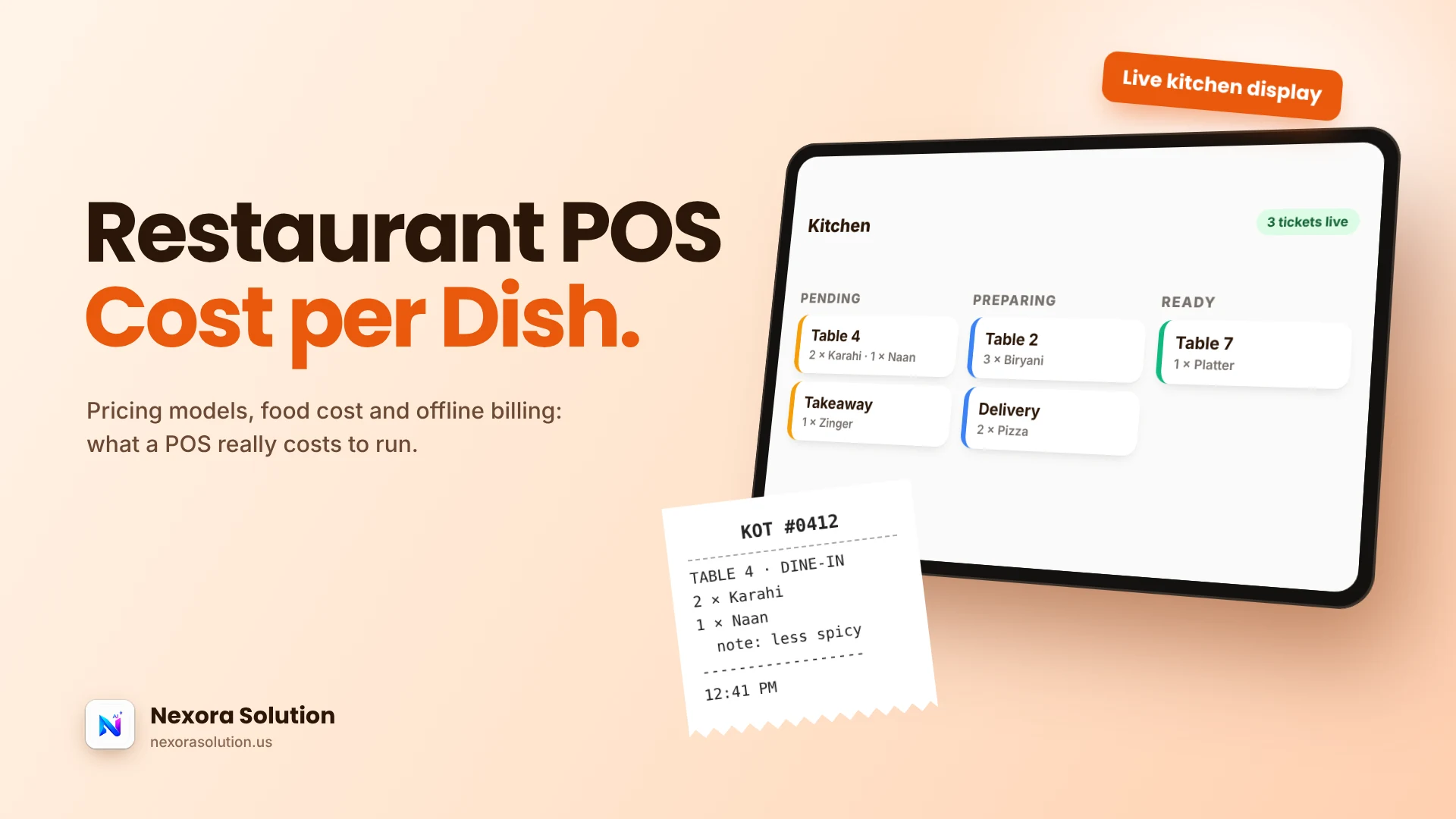
Kitchen display. A screen is not a workflow. Ask whether tickets move through states, such as pending, preparing and ready, and whether the cashier sees the change.
Reports. Every product has a daily sales report. Ask whether it breaks sales out by order type and by cashier, because that is where cash gaps become visible.
Stock. Many point-of-sale tools stop at menu items. Restaurants lose money on ingredients, so ask whether stock is tracked per ingredient and whether a dish has a cost.
Tax lines. Check that you can set your own tax label and registration number on the bill. Rules differ by country and change, so a product with one hard-coded tax is a risk.
What a dish really costs: food cost in plain words
Food cost is the part of a POS that owners most often skip and later most wish they had used. The idea is simple. A plate of biryani is not a menu line with a price, it is rice, chicken, oil, spices, gas and a share of labour. If the menu says Rs. 600 and the ingredients cost Rs. 330, your food cost on that dish is 55 per cent, whatever the sales report says.
The trouble is doing this by hand. Prices of chicken and oil move weekly, and nobody recalculates twenty recipes every Friday. A system that links each menu item to a recipe and ingredient stock can recompute the cost as stock is used and flag the dish that quietly turned unprofitable.
Nexora Restaurant POS does this: you link menu items to recipes, track ingredient stock and see the food cost of each dish. The Help Center describes food cost calculated per recipe from real ingredient and order data, compared with a healthy range, with low-stock ingredients flagged and a suggested reorder amount. It is only as good as the recipes you enter, so spend an afternoon on your top ten dishes first. That is where most of your money moves.
What Nexora Restaurant POS covers
This is what the product pages and Help Center document.
Billing. Dine-in, takeaway and delivery orders use one billing screen, with discounts, an optional service charge and your tax line on the receipt. Quick-bill orders for a cafe counter use the same checkout. The receipt shows subtotal, discount, service charge, tax, total, paid and due.
Kitchen and tables. Every order creates a kitchen order ticket. Tickets show in live Pending, Preparing and Ready columns, and floor tables show whether they are free, occupied or waiting for the bill. You can merge tables for a large party or split one during service.
AI menu import. Upload a photo of your current menu and Nexora reads items, prices and categories. You review them and import in one step. For a restaurant with a hundred dishes this removes the dullest week of setup.
Staff roles. Owners, managers, cashiers and kitchen staff see only the screens they need.
Offline billing and cloud sync. Orders keep saving when the internet drops and sync to the cloud when the connection returns. For a restaurant that serves through a bad evening of load shedding, this is the feature that matters most.
Windows app and printers. There is a free Windows installer, and the system also runs in any modern browser. Bills and kitchen copies are formatted for 58mm thermal printers.
Your own currency and tax. You choose your workspace currency, set one tax rate with your own label, add an optional service charge, and enter registration and food licence numbers that print on every bill.
Where it stops, plainly
Nexora does not file tax returns and does not connect to a government e-invoicing system. If a rule in your country requires a certified fiscal device or live reporting, check that before you buy any POS, ours included. Printer support is documented for 58mm thermal printers, so confirm a wider roll size or a specific model before buying hardware.
Our plans are PKR 2,000 a month on Basic, for one business module and up to two team members, and PKR 5,999 a month on Standard, with one module and up to five users. A restaurant with a cashier, a manager and a kitchen screen should read the user limits carefully. Enterprise is custom. Prices were read from our plans file in October 2026 and can change, so confirm on the pricing page.
There is a one-month free trial with every module and no card required. That matters more than any comparison table, because a restaurant can only be tested on a real service.
A one-evening test before you pay for any POS
Marketing pages cannot show you how a system behaves at 9 pm on a Friday. A test can. Do this with any product you are considering.
- Enter your real top twenty dishes, with prices. Time it. If it takes more than an afternoon, ask about menu import.
- Run a dummy dinner. Dine-in, takeaway and one delivery order at once. Merge two tables. Split one bill.
- Pull the plug. Disconnect the internet for ten minutes in the middle of it. Note what still works and what the system does when you reconnect.
- Close the day. Check whether the report separates order types and cashiers, and whether the cash figure matches what you counted.
- Hand it to the slowest staff member. If the weakest cashier cannot use it after a short walk-through, it is too complicated for your restaurant, whatever the feature list says.
If a product passes that evening, the price comparison is worth doing. If it fails, the price was never the issue.
Cafes and cloud kitchens need a different shortlist
A full-service restaurant worries about tables and waiters. A cafe and a cloud kitchen worry about other things, and a feature list written for one can mislead the other.
Cafes live on speed at the counter. Look for quick billing without table steps, a short path from tapping an item to printing a receipt, and clean end-of-day cash figures. Most cafe owners never use table management, so do not pay for it if it is priced separately.
Cloud kitchens live on delivery orders. Ask whether an order can carry customer name, phone and address, and whether the kitchen sees delivery tickets separately from counter tickets. Tables are irrelevant. Ingredient stock matters even more, because a cloud kitchen has no dining room to hide waste in.
Restaurants with a bar of tables need the opposite: merge and split, a clear status per table, and bills that reopen when a guest adds a dish.
Nexora treats these as one product with optional parts. Cafes use quick counter billing, cloud kitchens use delivery orders with customer details, and table management stays optional. The test is the same as before: run your own service through it before you pay.
Who should and should not pick Nexora Restaurant POS
It suits restaurants, cafes and cloud kitchens that want billing, kitchen tickets, tables, food cost and staff roles on one login, work in PKR or another local currency, and sometimes lose internet. It suits owners who like starting free and moving to a plan only when it earns it.
It is not a fit for a business that needs a certified fiscal printer today, for a large chain that needs deep customisation without Enterprise, or for anyone who needs hardware we have not documented. In those cases, choose the tool that fits the rule, and come back to us if the rule changes.
To try it, start the free month at https://nexorasolution.us/restaurant-pos or read the Help Center guide at https://nexorasolution.us/help-center/restaurant-pos. Setup is free, and we can walk you through your first menu on WhatsApp.
Frequently Asked Questions
How much does restaurant POS software cost?
It depends on the pricing model. Listings in the directory we read show flat monthly fees such as $39 or $99, per-device fees around $9.99 a month, per-site fees, and one-time licences. Nexora Restaurant POS has a one-month free trial and then plans from PKR 2,000 a month, checked October 2026.
What is food cost in a restaurant?
Food cost is the cost of the ingredients in a dish compared with its selling price, usually shown as a percentage. Linking menu items to recipes and ingredient stock lets a POS calculate it instead of guessing.
Does Nexora Restaurant POS work without internet?
Yes. Orders keep saving at the counter during an outage and sync to the cloud automatically when the connection returns.
Can I import my existing menu?
Yes. Upload a photo of your menu and Nexora reads items, prices and categories. You review them and import in one step.
Which printers work with it?
Bills and kitchen copies are formatted for 58mm thermal receipt printers. Confirm any other size or model with us before buying hardware.
Does it connect to a government e-invoicing system?
No. You set your own tax rate and label, but Nexora does not file returns or connect to a government e-invoicing system.
Does it suit cafes and cloud kitchens?
Yes. Cafes use quick counter billing, and cloud kitchens use delivery orders with customer details. Table management is optional.