School Software in Pakistan: Fees, Attendance, Results
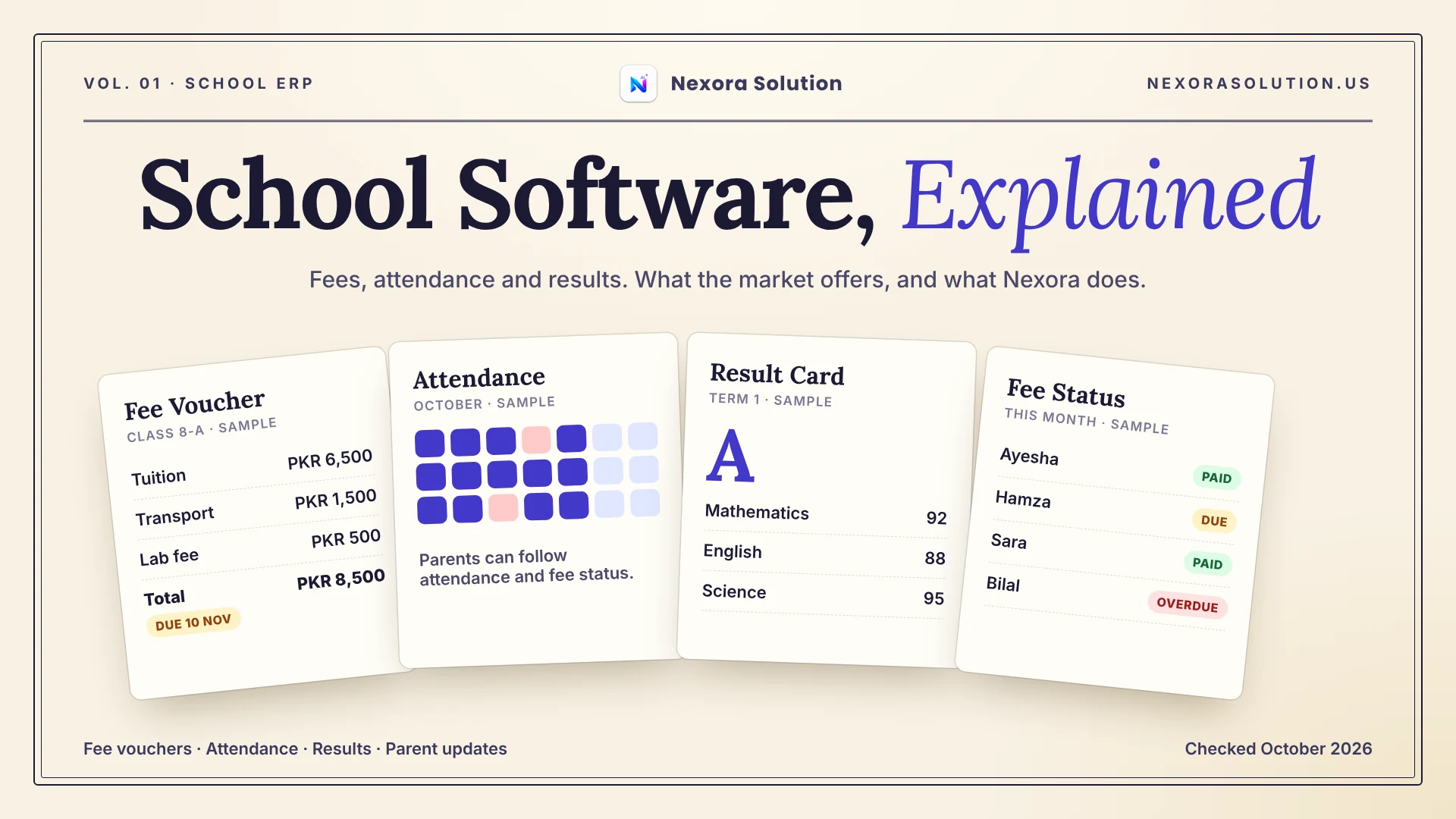
Fee collection is where school software succeeds or gets abandoned. Here is where it breaks, what the market offers, and what Nexora School ERP does and does not do.
Why school software gets bought and then abandoned
Walk into a private school office in the first week of the month and you will usually find the same scene. One person has the fee register open, another has a pile of vouchers, and a third is on the phone with a parent who insists the fee was paid last Tuesday. The school may already own software. Often it is open on a computer in the corner, used for admissions and nothing else.
That gap between buying a school system and actually running the school on it is what this article is about. We build Nexora School ERP, so we have a stake in the answer, and we will say clearly where our product stops. We read several other products' own pages and a published guide on fee collection in October 2026, and we only repeat what those pages state. Where we could not verify something, we say so.
The short version: fees decide whether a school system survives in the office. Attendance and results matter, but a school will forgive a clumsy results screen long before it forgives a fee screen that cannot tell who has paid. So we will start there.
Where fee collection really breaks
A published guide on school fee collection in Pakistan, written by the team behind another school product (so weigh it accordingly), lists five points where the process tends to fail. They match what we hear from school owners, so they are a good checklist.
- Concessions. Discounts for staff children, siblings or hardship cases are applied by hand each month and remembered by one person. When that person leaves, the discount logic leaves with them.
- Fee heads. Tuition, transport, lab and library get merged into one number, so a parent cannot see what they pay for and a partial refund becomes an argument. Transport is the worst because it changes by route.
- Bank challans. If the challan format does not match what the bank sends back, someone reconciles by hand and payments get duplicated or missed.
- Defaulter lists. A list exported on Monday still names families who paid on Wednesday.
- Reminders. Paper notes and SMS get ignored.
None of these is a technology problem at heart. They are record problems. The fee sits in one place, the payment in another, the approval in someone's head. A school system helps only if it puts those three things on the same record.
What the market offers, as far as we could verify
The Pakistani school software market is crowded and mostly honest about what it sells. One product we read, ourschoolsoftware.com, publishes its plans openly. It offers a free plan for small schools, with a student cap that its own page states as 80 in the pricing table and 100 in the FAQ, which is a good reminder to read the fine print. Paid plans on that page run from Rs. 3,000 a month for up to 300 students to Rs. 10,000 a month for unlimited students and up to five campuses, with a one-time setup fee on the smaller plans. Its feature list includes admissions, attendance, exams, result cards, biometric attendance, WhatsApp and SMS alerts, and fee payment through Easypaisa, JazzCash, banks and cards.
A global product, Schooli, lists a flat price starting at US$9 with a free trial, and covers attendance, assessments, finance, student records and reporting for private K-12 schools. Its page is in English only.
Two things stand out. First, the feature lists are long and nearly identical, so features alone will not separate products for you. Second, pricing is mostly per student or per campus, which means the bill grows with the school. That is fair, but ask what happens in September when admissions jump by a hundred children.
We did not read every product on the market, and prices change. Use these as examples of how the category sells itself, not as a ranking.
What Nexora School ERP does
Here is what is documented on our product pages and Help Center, and nothing beyond it.
Student records. Each student has an admission number and a roll number, a class and section, and the parent or guardian's contact details on the same record, along with a status and a created date for office record-keeping.
Fees. Fee bills are tied to a fee month, so recurring billing has a place to live. A new fee bill starts as pending approval, not as paid. Approvals go through the same Approval Center as other billing in Nexora, and collection trends show up on the School Reports dashboard. The point of the approval step is the one we made earlier: the fee, the payment and the person who signed it off share one trail.
Attendance. One workflow covers students and staff. You can mark attendance manually by date, status and a note, or connect an attendance device and watch recent auto-punches arrive. The device setup guide is available in English and Urdu, which matters when the person installing it is not the person who reads English manuals.
Exams and parents. You can plan exam schedules, marks and result workflows, and the parent-facing side supports visibility of academic, attendance and fee information.
Payroll. Staff are added by role, paid Daily, Hourly, Monthly or Custom, with gross pay and deductions recorded per entry and a payroll transaction history kept.
Roles. Owners, principals and office staff get different screens, so the clerk who collects fees does not also see payroll.
Where Nexora stops, plainly
We would rather you hear the limits from us than discover them in week three.
The Help Center does not list concession rules, bank challan matching, online fee payment through Easypaisa or JazzCash, or SMS and WhatsApp fee alerts for School ERP. So we are not claiming them. If a school's whole fee process depends on automatic challan reconciliation, test that before you commit, or ask us directly whether it fits.
Our Basic plan is PKR 2,000 a month for one business module and up to two team members, and our Standard plan is PKR 5,999 a month for one module and up to five users. Most schools with an office, an accountant and a principal will need Standard, not Basic. Every plan starts with a one-month free trial of all modules, with no card required, so you can load a class and a month of fees before paying anything. Prices were read from our plans file in October 2026 and can change, so check the pricing page.
Nexora also does not replace your accountant. It records fees and payroll; it does not file taxes.
A fair way to test any school system in one week
Whatever you try, run it against your own mess, not the demo data. Here is a test that takes a week and exposes most weaknesses.
- Load one real class. Thirty students, real names, real guardians. Notice how long it takes and whether you must retype anything.
- Create one month of fees with a concession. Pick a real sibling discount. See whether the system can show who approved it.
- Mark attendance for three days. If you own a biometric device, connect it. If it only works with one brand, you will learn that now.
- Produce a defaulter list on a Friday, collect a payment, and produce it again. The second list should be different without you touching anything.
- Ask a parent to look. Whatever the parent-facing side shows, ask a real parent whether it answers their actual question: did my child attend, and what do I owe.
A system that passes those five steps on your data is worth paying for. One that fails step four is the one that will be abandoned in a corner computer by Christmas.
Moving from paper to software without losing a month
The riskiest day of a school software project is not the demo. It is the first fee cycle after you switch. Plan it like this and it stays boring, which is the goal.
Start in the middle of the term, not at the start. Admissions season is the worst time to learn a new screen. Pick a quiet month, load your students, and run the new system alongside the paper register for one full fee cycle.
Enter the opening balances once, carefully. Every family that owes money from last term needs a starting figure. Ask the office to produce one clean list from the register, have the principal sign it, and enter it as the opening position. Mistakes here follow you for a year.
Give one person ownership. In small schools the fee clerk usually ends up the real administrator. Decide who that is, give them a login with the right role, and make sure the principal has a separate view of the reports.
Keep the parent conversation simple. Do not announce a new portal and new rules in the same message. Tell parents the voucher will look slightly different and that the office can answer fee questions faster. Add the parent-facing features once the office is comfortable.
Compare before you switch off the register. At the end of the cycle, put the old defaulter list next to the new one. If they differ, find out why before you throw anything away. Usually the difference is a concession nobody wrote down, which is exactly the kind of knowledge a system is meant to capture.
This plan works with any product, ours or someone else's. A school system proves itself in the second month, when the novelty has gone and the clerk still prefers it to the register.
Who should and should not pick Nexora School ERP
It is a good fit if you run a private school, academy or institute, want fees, attendance, exams and payroll on one login, and are comfortable with approval-based fee handling. It also helps if you already use another Nexora module, since every plan includes one module and trial access to all of them.
It is a weaker fit if your process depends on features we have not documented, such as bank challan reconciliation or built-in payment gateways. In that case a product that lists them, such as the one above, may serve you better today, and we would rather you choose that than leave us in a month.
If you want to see how it handles your own fee month, start the free trial at https://nexorasolution.us/school-erp, or read the Help Center guide at https://nexorasolution.us/help-center/school-erp. Setup, data migration and staff training are free on every plan, and you can message us on WhatsApp to be walked through it.
Frequently Asked Questions
What should school management software include?
At minimum: student records with guardian details, fee billing by month with a clear record of who approved what, attendance for students and staff, exam and result handling, and reports a principal can read. Payroll, a parent view and device attendance are useful extras.
How much does school management software cost in Pakistan?
It varies by student count and campuses. One Pakistani product we read lists Rs. 3,000 to Rs. 10,000 per month on paid plans and a small free plan, while Nexora School ERP is covered by the Basic plan at PKR 2,000 per month or the Standard plan at PKR 5,999 per month. Prices were checked in October 2026 and can change.
Can school software replace the fee register?
It can if every fee, payment and approval is entered in one place. Keep the old register for one full month in parallel, then compare the defaulter lists before switching off the paper.
Does Nexora School ERP support biometric attendance?
Yes. You can connect an attendance device and see recent auto-punches, or mark attendance manually. The device setup guide is available in English and Urdu.
Does Nexora School ERP take online fee payments?
The Help Center does not list online fee payment or SMS fee alerts for School ERP, so we do not claim them. Ask us before you buy if your fee process depends on them.
Is there a free trial for Nexora School ERP?
Yes. Every plan starts with a one-month free trial that includes all modules, with no credit card required. Setup, data migration and staff training are free on every plan.