Pharmacy POS: Batch, Expiry and FEFO Explained
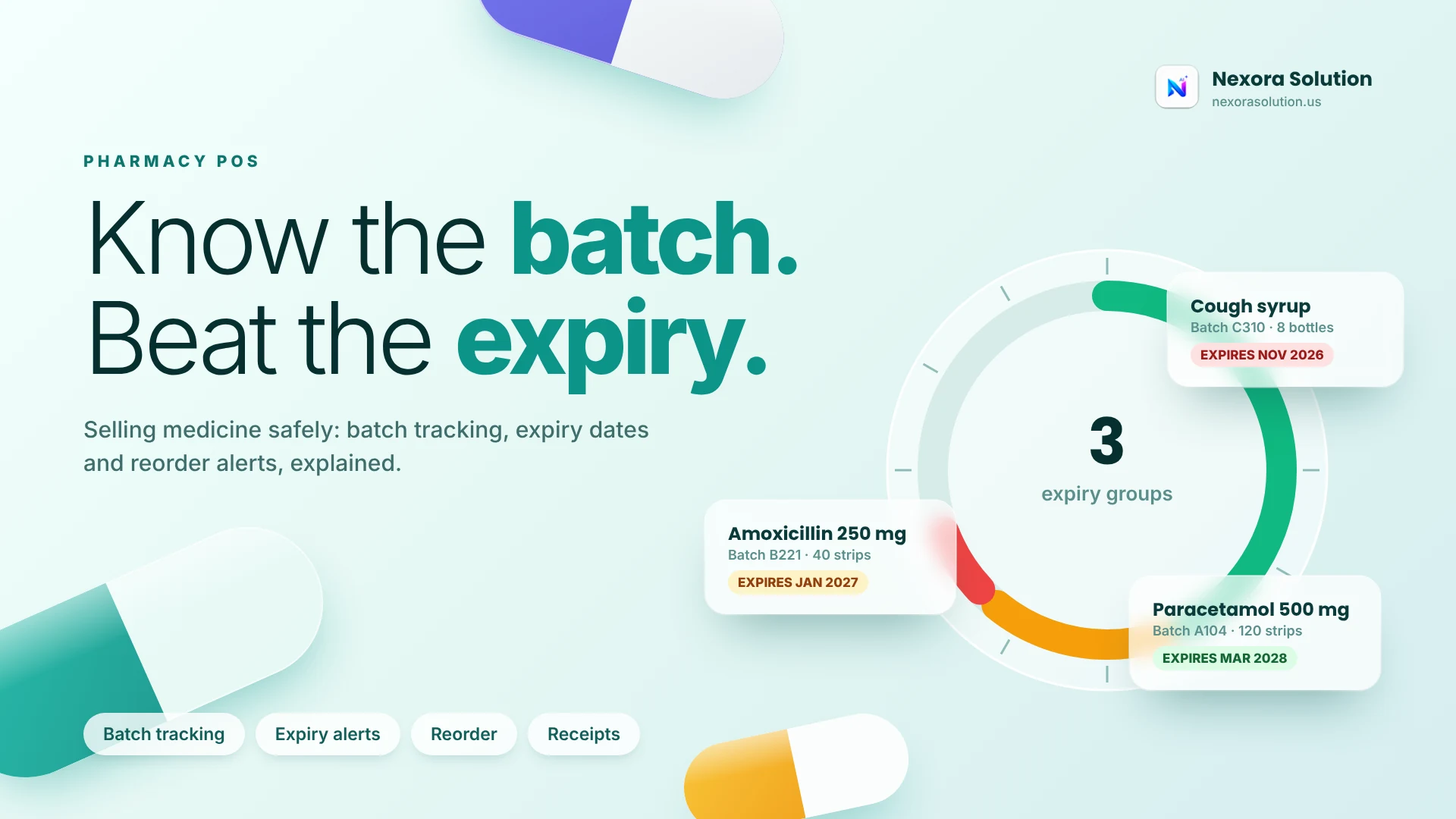
Expiry is the quiet loss in a pharmacy. Learn batch, expiry window and FEFO, see what a strict system does, and what Nexora Pharmacy POS covers.
Expiry is the quiet loss in a pharmacy
A pharmacy can have a busy counter and still lose money, and the loss often sits on a shelf. A strip of antibiotic that expired in October, a syrup nobody asked for, a carton of vitamins bought in bulk on a supplier's promotion. Nobody sees a bill for expiry. The cost just disappears from the margin.
Medicine is also different from a grocery item in a way that makes software choice harder. The same product comes in several batches, each with its own expiry date, bought at different prices from different suppliers. A system that only knows 'Paracetamol, 120 strips' cannot tell you that 40 of those strips expire in two months.
This article is about batch and expiry control in pharmacy software: what it should do, what the ideas are called, and what Nexora Pharmacy POS does and does not do. We build Nexora Pharmacy POS, so we are not neutral. For the wider market we read one example in detail, an Odoo app-store module for first-expired-first-out selling, to show what a strict version of this looks like. We checked it in October 2026. We did not review other pharmacy products, and we do not claim anything about them.
Three ideas worth knowing: batch, expiry window and FEFO
Batch. A batch, also called a lot, is a group of units made together and sharing a batch number and an expiry date. If a manufacturer recalls something, the batch is how you find it.
Expiry window. This is how far ahead you want warning. Thirty days is common. A pharmacy with slow-moving specialty items may want ninety, so it has time to return stock to a supplier. A fast-moving counter might be fine with thirty.
FEFO, first expired first out. When you sell a product that exists in several batches, sell the one that expires first. It is the pharmacy version of putting old milk at the front of the shelf. Done by hand it depends on the counter person looking at dates. Done by a system it can happen without anyone remembering.
These three ideas are the checklist. Any pharmacy system can be judged by asking: does it track batches, does it warn me before expiry, and does it help me sell the oldest first, or only show me a report?
What a strict version looks like
The Odoo module we read is an add-on for Odoo's point of sale, version 19. It auto-assigns lots in first-expired-first-out order based on live stock at the point-of-sale location, so the counter person does not pick a lot manually. If the lot it assigns has already expired, a prominent dialog appears before the item goes into the cart. If a lot expires within a configurable window, which defaults to 30 days, a warning toast appears. Scanning a GS1 barcode that contains a lot number triggers an immediate expiry check for that lot. It needs the Expiration Dates feature enabled and products tracked by lot with expiry dates set.
That is a good picture of the strict end of the market: automatic oldest-first selling, hard stops at expiry and barcode-level checks. It is also a reminder that these systems depend on clean data. The module only works if every product has lots and every lot has an expiry date. A system is only as strict as the data you give it.
We are not claiming Nexora does all of this. Here is what it does.
What Nexora Pharmacy POS covers
This is what our product pages and Help Center document.
Fast billing. You search medicines by name to keep the counter moving, create receipts and record each sale against the stock it draws from. Counters accept cash and mobile wallet payments, and every sale gets an itemised receipt.
Medicine inventory. Track medicine names, categories, prices, stock levels and reorder needs.
Batch and expiry control. Batches and expiry dates are monitored as part of medicine inventory, and medicines approaching expiry are surfaced before they become unsellable. The point is early warning: you see near-expiry medicines while there is still time to sell them, discount them or return them.
Supplier purchases. Record purchases, supplier details and costs, raise purchase orders against supplier records, return stock to a supplier and record payments by cash, bank transfer, cheque or mobile wallet. Stock updates as purchases come in.
Daily reports. Review sales, cash, profit, low stock and expiry summaries in one place.
Cloud sync. Counter, owner dashboard and reports stay aligned with secure cloud access.
Where Nexora Pharmacy POS stops
We would like to be exact here, because pharmacy is a regulated business.
Nexora Pharmacy POS tracks stock, batches and sales. It does not connect to any drug-regulator system, so you must keep following the record-keeping rules that apply to your pharmacy. The Help Center describes batch and expiry as monitored and surfaced; it does not describe automatic first-expired-first-out assignment at the counter, GS1 barcode scanning or lot recall workflows, so we are not claiming them. If your pharmacy relies on any of those, ask us to show you, and test it, before you decide.
Nexora also does not prescribe or verify prescriptions, and it should never be a substitute for a pharmacist's judgement.
On price: Basic is PKR 2,000 a month for one business module and up to two team members, and Standard is PKR 5,999 a month with one module and up to five users. A pharmacy with a pharmacist, a counter assistant and an owner will want to check user limits. These figures were read from our plans file in October 2026 and can change. Every plan starts with a one-month free trial of all modules, no card required.
A practical expiry routine, with or without software
Software shows the dates. A routine acts on them. This one works in a small pharmacy and takes about thirty minutes a week.
Monday: pull the near-expiry list. Whatever your window, 30 or 60 days, list what is inside it. In Nexora this comes from the expiry summary in your reports.
Sort into three piles. Items that sell fast enough to clear before expiry, items you can return to the supplier, and items you will probably lose. Handle the second pile first, because a return recovers money and a discount only recovers some.
Move the oldest forward. Shelf order matters as much as software. If the counter person picks from the front, the front should hold the oldest batch.
Check purchases at the door. When stock arrives, look at expiry before you accept it. A supplier who sends short-dated stock at full price should hear about it the same day.
Record the loss. If something expires, write it down, with the product, quantity and cost. A pharmacy that knows it lost a certain amount last quarter buys differently this quarter.
Counter speed: what busy hours actually need
A pharmacy counter is judged in the evening rush, when five customers are waiting and each one asks for three items. Software features that look good in a demo can slow that moment down.
Search by name must be forgiving. Customers and staff say brand names, generic names and half-remembered spellings. Test with the ten medicines your counter sells most, typed the way your staff type them.
A sale should take few taps. Count them. Search, add, quantity, pay, print. If your current process has more steps than that, the software is adding work.
The receipt must be itemised. Customers ask what they paid for, and an itemised receipt answers it without an argument. Nexora prints an itemised receipt for every sale.
Payment methods must match your counter. Cash and mobile wallet are the ones Nexora's counter accepts. If most of your customers pay another way, ask first.
None of this is exciting, and all of it decides whether staff keep using the system in the third month.
Reading the daily pharmacy report
Nexora's daily reports bring sales, cash, profit, low stock and expiry summaries into one place. A good way to read them is as five questions.
What did we sell? Compare the total with a normal day. A big fall deserves a reason: a power cut, a closed road, a competitor's discount.
Where is the cash? The cash figure should match the drawer. If it does not, check which receipts were reversed.
What was the profit? Profit per medicine shows which items carry the shop and which ones only look busy. Fast sellers with thin margins are not the same as slow sellers with fat ones.
What is running low? Low stock is a purchasing list. Raise purchase orders for the items that matter before the counter has to say no.
What is about to expire? The expiry summary is the list from the Monday routine above. Read it every day for a week when you start, so it becomes habit.
The report does not replace your judgement. It puts the five numbers you would otherwise hunt for on one page.
Buying smarter so less expires
Expiry is partly a purchasing problem. A supplier promotion looks like savings and often becomes waste. Two habits help.
First, buy to your sales speed. If you sell about ten strips a week, a 120-strip promotion needs a year to clear, and most medicine does not have a year. Reports of sales per item tell you your real speed.
Second, ask for expiry before you agree. A strip with eighteen months left is a different product from one with four. Put a minimum remaining shelf life in your supplier conversations, and record the batch details when stock arrives so your system can protect you later.
Nexora keeps purchases, suppliers, medicine stock and counter sales connected in one workspace, so a purchase raised today shows up in stock and expiry views tomorrow. You still have to make the decision, but you make it with the numbers in front of you.
Who should and should not pick Nexora Pharmacy POS
It suits medical stores, pharmacies, clinic dispensaries and wholesale medicine counters that want billing, medicine stock, batch and expiry visibility and supplier purchases on one login, and want to try before paying.
It is a weaker fit if you need automatic first-expired-first-out picking at the counter, barcode-level lot checks or a link to a regulator's system. A product that lists those, such as the strict example above, may fit better, and you should test it on your own data.
Start the free month at https://nexorasolution.us/pharmacy-pos or read the Help Center guide at https://nexorasolution.us/help-center/pharmacy-pos. Setup is free, and you can message us on WhatsApp to help you load your first medicines.
Frequently Asked Questions
What is batch and expiry tracking in a pharmacy?
It records each batch of a medicine with its expiry date, so the system can show which units are near expiry and which batch was sold. It lets you act before stock becomes unsellable.
What does FEFO mean?
FEFO means first expired, first out: when a product exists in several batches, the batch that expires first is sold first. Some systems apply it automatically at the counter.
Does Nexora Pharmacy POS track expiry dates?
Yes. Batches and expiry dates are monitored as part of medicine inventory, and medicines approaching expiry are surfaced. Automatic first-expired-first-out selling is not described in our documentation, so we do not claim it.
Can I record supplier purchases and returns?
Yes. You can raise purchase orders against supplier records, return stock to a supplier and record payments by cash, bank transfer, cheque or mobile wallet.
Which payment methods does the counter accept?
The counter accepts cash and mobile wallet payments, and every sale gets an itemised receipt.
Does it connect to a drug regulator system?
No. Nexora Pharmacy POS tracks stock, batches and sales, and does not connect to any regulator system. Keep following the record-keeping rules for your pharmacy.
Is there a free trial?
Yes. Every plan starts with a one-month free trial of all modules, with no credit card required.
Related Articles
- Pharmacy POS Software in Pakistan: Complete Guide to Billing, Inventory & Expiry Management — 1 min read
- Pharmacy POS Software in Pakistan: Complete Guide for Medical Stores — 1 min read
- How to Choose Pharmacy Management Software in Pakistan (2026 Buyer's Guide) — 1 min read
- Invoice vs Receipt vs Delivery Note vs Credit Note: Which Do You Need? — 1 min read