Free AI Search Audits Compared: How to Read the Score
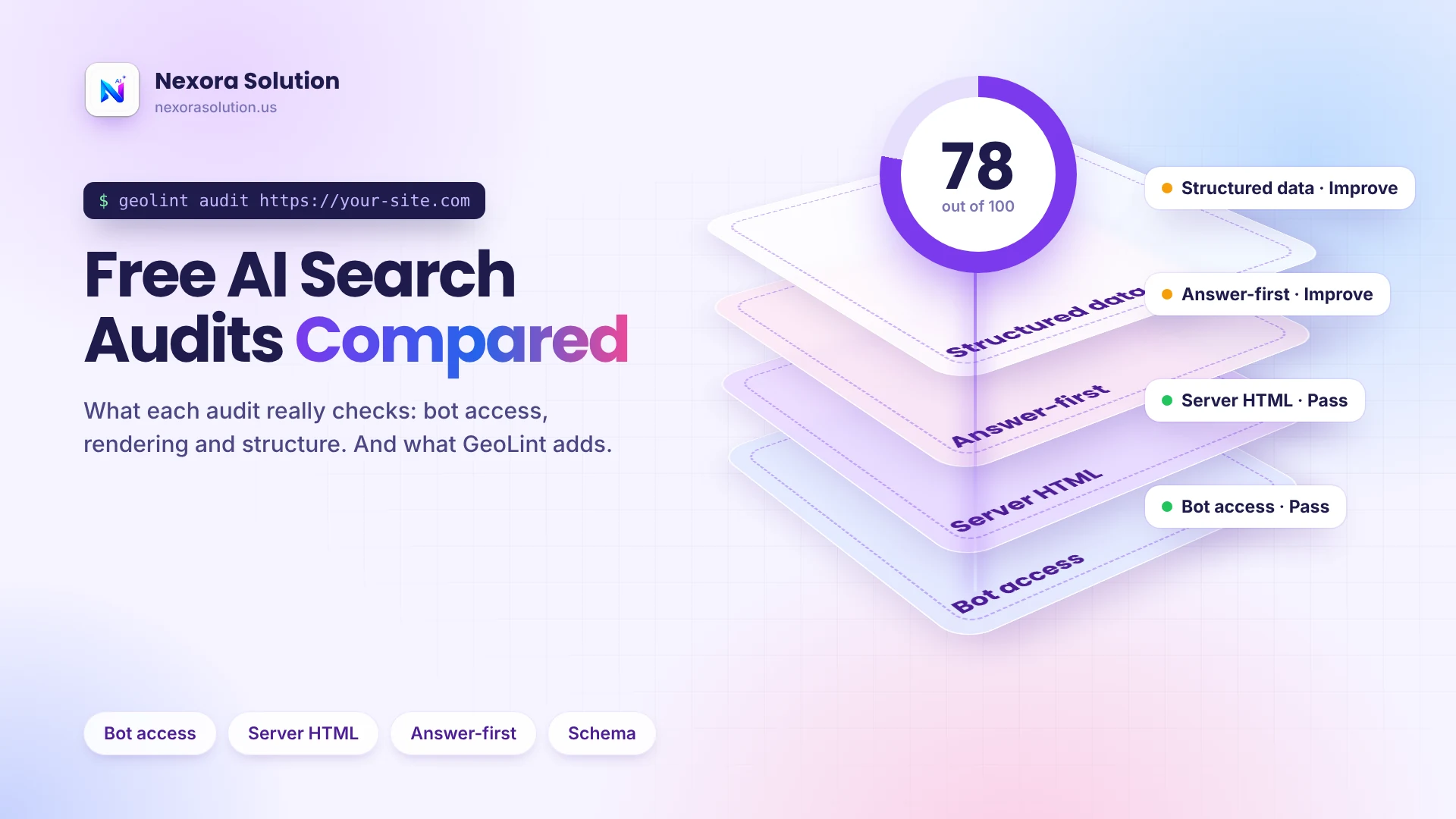
Two free AI search audits can disagree. Here are the seven things an audit can check, how to tell measured results from guesses, and what GeoLint does.
Two audits, two scores, one website
Run a free AI search audit on the same page with two tools and you can get two quite different scores. One says 92 out of 100. The other says 54. Both are free, both look professional, and both cannot be telling you the whole truth about whether ChatGPT, Claude or Perplexity can use your page.
The difference is usually not a bug. It is that the tools measure different things, or measure the same thing in different ways, and a single number hides that. This guide explains what a free audit can check, how to tell a measured result from a guessed one, and what GeoLint, our free audit, checks and where it falls short.
We build GeoLint, so we are not neutral. We have not named or scored other audit tools here, because we did not read their documentation for this article and will not make claims we cannot back up. Instead we give you a way to judge any audit, ours included. If you want the wider map of tool types, our earlier guide on AEO and GEO tools covers it, and a separate post covers how AI crawlers read a site. This one is about reading the audit itself.
Seven things an audit can look at
Not every audit checks all of these. When you read a report, find out which of the seven it covers and which it skips.
1. What robots.txt says. The rules file lists which bots are allowed or disallowed. Reading it is easy and fast, which is why many tools stop here.
2. What the server actually does. A robots.txt that says allow does not mean the page loads. A firewall or CDN can answer a bot with 403 or 429 regardless. Only a real request as each bot reveals it.
3. Whether the text is in the HTML. Many AI crawlers read raw HTML and do not run JavaScript. If your content appears only after scripts run, they see a thin page.
4. How headings open. Whether each section starts with a direct answer or a long wind-up decides how easy it is to quote.
5. Facts and sources. Specific numbers and outside references make a page more quotable than adjectives.
6. Structured data. JSON-LD tells machines what the page is. It matters, but only if it is complete for its type.
7. Guidance files. Files like llms.txt are an emerging convention. They are optional, so check whether the AI tools you care about say they use them before you let an audit weigh them heavily.
Measured versus guessed: how to read a score
The biggest quality difference between audits is whether a score is measured or guessed. A measured result comes from something the tool actually did, such as requesting your page as GPTBot and recording the response. A guessed one is inferred, such as assuming a page is fine because robots.txt allows it.
Here are questions that separate the two.
- Did it request the page, or only read a file? A tool that reads robots.txt but never fetches the page cannot see a firewall block.
- Did it compare raw HTML with the rendered page? Without that, it cannot say whether your text depends on JavaScript.
- What does it do when it cannot check something? A good tool says so and leaves that check out. A bad tool scores it as zero or as a pass.
- Does it tell you how confident it is? A score with no confidence level looks more certain than it is.
- Does it separate search bots from training bots? Blocking training bots is a legitimate choice, and an audit that punishes it is mixing two different questions.
If an audit cannot answer these, treat the score as a rough guide, not a result.
What GeoLint checks
GeoLint audits one public page per run, in about 20 seconds, with no account and no email. The score is out of 100 and has four parts.
Bot access, 30 points. It reads robots.txt and requests the page as each AI search bot, then reports which are allowed, which are blocked by a Disallow rule, and which get an error such as 403 or 429 from a firewall.
JavaScript, 25 points. It loads the page as plain HTML and in a real browser, then compares them to show how much of your text is already in the HTML many AI crawlers read.
Answer structure, 25 points. It checks whether each heading opens with a direct answer instead of a long introduction.
Facts and schema, 20 points. It counts specific facts, outside sources and JSON-LD structured data, and checks that each type has the fields it needs.
Training bots such as GPTBot and ClaudeBot are reported but not scored, because blocking them is a legitimate choice and does not stop search tools from quoting you.
How GeoLint tries not to show a wrong score
A wrong score is worse than no score, so GeoLint measures what it can prove and leaves out what it cannot. A check that could not be verified is removed from both the points earned and the maximum, instead of being counted as a failure.
Several safeguards back this up. A control request that looks like a normal browser tells a bot-specific block apart from a site that is simply down. Each failed request is retried once before it is recorded. If the rendered page holds less than half the text of the raw HTML, the render is treated as failed and the raw HTML is analysed instead. The report carries an integrity check that re-adds every module and compares it with the total, and a confidence level and a list of limits come with every report.
These are design choices, and you should still verify them. Run GeoLint on a page you already understand, and see whether its findings match what you know.
What a free audit cannot tell you
This is the part marketing pages leave out.
No audit can tell you whether an AI tool will actually mention your site. GeoLint says so in every report: it shows what AI crawlers can reach and read, not whether ChatGPT or Perplexity will cite you. Whether you get cited depends on the model, the question, your reputation and the competition.
No audit can tell you whether your content is good. It can show that the first sentence under a heading is a wind-up, but not that your advice is accurate or useful.
A single-page audit also cannot represent a whole site. GeoLint checks one page per run on purpose, to stay fast and open to everyone. Test your homepage, then the pages that earn you money.
And GeoLint limits how many audits each visitor can run per minute so that the service stays available for everyone. If you see a rate message, wait a minute.
From report to fix
An audit is useful only if you can act on it. GeoLint ranks fixes by the points each can add, so start at the top. You then have three routes.
Copy your Fix Pack. The report builds ready-to-publish files from your page: a robots.txt block, an llms.txt guide and JSON-LD. Copy or download the ones marked as needed and publish them.
Use the WordPress plugin. If your site runs on WordPress, press Fix with WordPress in the report header. The free plugin applies the robots.txt, llms.txt and schema fixes with one button, and the guide at https://nexorasolution.us/tools/geo-audit/wordpress shows each step.
Ask Nexora to do it. The done-for-you GEO fix is $50 per website and ends with a before and after score. Details are at https://nexorasolution.us/geo/fix-my-website.
After you publish, run the audit again and compare. Expect the score to rise, not always to reach 100. A plugin or a file can change bot access and markup, but how much of your text is in the HTML and how each section opens depend on your theme and your writing. Cache plugins and CDNs can show an old file for a short time, so give it a minute.
A fair way to compare any two audits
If you want to know which audit to trust, test them on a page whose problems you know.
- Pick a page and write down its known issues. For example: you blocked a bot in a firewall rule last year, or your product text loads through JavaScript.
- Run both audits. Do they find the issues you know about?
- Check one finding by hand. Open robots.txt, or view the page source, and see whether the audit's claim is true.
- Change one thing and re-run. Add a missing schema field or fix a robots rule. The score should move for the right reason.
- Break something on purpose on a test page. Block a bot and see whether the audit notices.
An audit that passes your own checks is one you can use. The number matters less than whether you can see why it is that number.
Common reasons a page scores low, and who fixes each
When a report comes back lower than you hoped, the cause usually falls into one of four buckets, and each has a different owner.
A firewall or CDN rule. Bot access fails because a security setting treats AI bots as hostile. The owner is whoever manages your hosting or Cloudflare-style settings. The fix is to allow the search bots you want and keep blocking the ones you do not.
A robots.txt rule. Someone added a blanket Disallow or copied a template. The owner is whoever edits the site files, and the fix is one small block of text.
A theme or framework. Your text only appears after JavaScript runs. The owner is your developer, and the fix can be anything from server-side rendering to a different template. Ask for a plain-HTML version of the key text.
The writing. Headings open with a long introduction and facts are vague. The owner is you, or your writer, and no plugin can do this part. Start with the five pages that matter most and rewrite the first sentence under each heading.
Knowing the owner saves a week of confusion. A score of 54 caused by a firewall is a ten-minute fix for the right person, and a month of wasted writing for the wrong one.
Where to start this week
Run GeoLint on your homepage at https://nexorasolution.us/tools/geo-audit. Read the four parts, not just the total. If bot access is low, fix that first, because nothing else matters if search bots cannot reach the page. If JavaScript is the issue, talk to whoever builds your site. If answer structure is weak, rewrite the first sentence under your main headings so it answers the question.
Then test two more pages and compare. A manual guide to the report is in the Help Center at https://nexorasolution.us/help-center/geolint. If you would rather not do it yourself, we can, and you can read our earlier guides on this blog first to decide.
Whatever tool you use, remember what an audit is: a measurement of access and readability. It is a good first step and a poor promise.
Frequently Asked Questions
Why do two free AI search audits give different scores?
They may check different things, weight them differently, or measure in different ways. A tool that only reads robots.txt will score a page differently from one that requests the page as each bot and compares raw and rendered HTML.
What does a GEO audit check?
It can check bot access, whether text is present without JavaScript, how headings open, facts and sources, structured data and guidance files. GeoLint scores bot access, JavaScript, answer structure and facts and schema.
Is GeoLint free?
Yes. You paste a URL and get the full report with no account, no email address and no watermark.
Does a high score mean ChatGPT will cite my site?
No. A score shows that AI crawlers can reach and read your page. Whether a tool cites you depends on the question, the model and the competition, and GeoLint says so in every report.
Why did a check get left out of my score?
GeoLint leaves a check out when it cannot verify it, for example when a page blocks every request. Counting it as zero would be unfair, so the report says it was not verified.
Does GeoLint score training bots like GPTBot?
No. Training bots are reported but not scored, because blocking them is a legitimate choice and does not stop search tools from quoting you.
How can I fix what the audit finds?
Copy the Fix Pack files, use the free WordPress plugin, or ask Nexora to do a done-for-you fix for $50 per website.
Related Articles
- How to Check If AI Crawlers Can Read Your Website (Free GeoLint Guide) — 1 min read
- AEO and GEO Tools in 2026: Which Type Do You Actually Need? — 1 min read
- AI-Powered POS Software: The Modern, Futuristic Way to Run Your Business in Pakistan — 1 min read
- Nexora AI Restaurant Reports – Pakistan's Next Generation AI-Powered Restaurant Analytics — 1 min read